Artificial intelligence is changing the way people create websites, apps, graphics, and digital products. One of the latest names creating buzz in the AI world is Claude Design. Many users are searching: What is Claude Design? How does Claude Design work? Who is it made for?
In this detailed guide, we explain everything in simple words so you can understand whether Claude Design is useful for you.
What Is Claude Design?
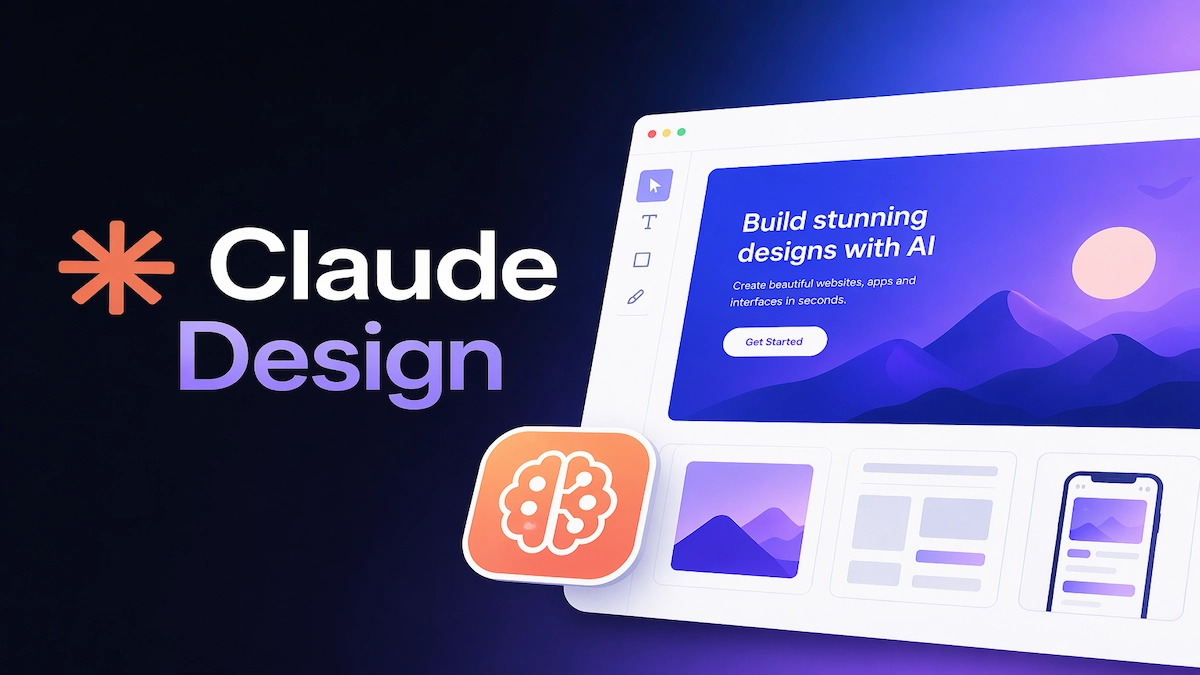
Claude Design is an AI-powered design assistant built around the Claude AI ecosystem by Anthropic. It is designed to help users create digital designs, interfaces, layouts, prototypes, and creative assets using natural language prompts.
Instead of manually designing every element, users can simply type instructions like:
- Create a modern landing page for a startup
- Design a mobile app UI for food delivery
- Build a dashboard for analytics
- Suggest colors and fonts for a premium brand
The AI then generates design ideas, layouts, and editable components in seconds.
Why Claude Design Is Getting Attention
Traditional design tools often require technical skills, creativity, and time. Claude Design aims to reduce that gap by making design faster and easier.
Key Reasons Behind the Buzz:
- Faster website and UI creation
- No advanced design skill required
- AI-generated layouts and ideas
- Helpful for startups and small businesses
- Saves time for professional designers
- Easy prototyping for developers
This is why many people are calling it the next step in AI-powered creativity.
How Claude Design Works
Claude Design works using advanced AI models that understand language, design principles, and user intent.
Step 1: User Gives a Prompt
You type what you want to create. Example:
Design a clean ecommerce homepage for a fashion brand
Step 2: AI Understands the Request
The system analyzes:
- Purpose of the design
- Target audience
- Layout needs
- Style preferences
- Colors and branding
- User experience flow
Step 3: Design Is Generated
The AI creates:
- Wireframes
- UI layouts
- Components
- Text suggestions
- Color palettes
- Responsive structure
Step 4: User Edits & Improves
You can ask for changes like:
- Make it more modern
- Add dark mode
- Improve mobile version
- Use blue color theme
- Make it minimal
The AI updates the design instantly.
Main Features of Claude Design
1. AI UI Design Generator
Create app screens, websites, dashboards, and landing pages with prompts.
2. Smart Layout Suggestions
Automatically places sections, buttons, cards, and menus in logical positions.
3. Faster Prototyping
Build product ideas quickly before final development.
4. Brand Styling
Get suggestions for:
- Fonts
- Colors
- Icons
- Visual hierarchy
5. Developer Friendly Output
Useful for developers who need design structure before coding.
Who Is Claude Design Made For?
Claude Design can be useful for many types of users.
1. Beginners
People with no design experience can create professional layouts easily.
2. Startups
Startups can quickly build MVP designs without hiring a large team.
3. Freelancers
Freelancers can speed up client projects and create mockups faster.
4. Developers
Developers who are weak in UI design can generate clean interfaces.
5. Businesses
Small businesses can create websites, banners, and product pages.
6. Professional Designers
Experienced designers can use it for brainstorming and faster workflows.
Claude Design vs Traditional Design Tools
| Feature | Claude Design | Traditional Tools |
|---|---|---|
| Ease of Use | Very Easy | Learning Required |
| Speed | Fast | Manual Work |
| AI Suggestions | Yes | Limited |
| Beginner Friendly | High | Medium |
| Manual Control | Medium | High |
| Time Saving | Excellent | Moderate |
Is Claude Design Free?
Pricing may depend on the platform version, usage limits, and subscription plans under the Claude ecosystem. Some features may be free, while advanced tools could require a paid plan.
Always check official announcements from Anthropic for latest pricing details.
Benefits of Claude Design
- Saves hours of design time
- Helps non-designers create visuals
- Boosts productivity
- Improves idea generation
- Reduces design costs
- Great for rapid testing
Limitations of Claude Design
Like any AI tool, it may also have some limits:
- May need manual refinement
- Not always perfect for complex branding
- Custom animations may require manual tools
- Final polishing may still need designers
Why Claude Design Matters in 2026
AI is moving beyond text generation. Now it is helping users create real digital products faster than ever. Claude Design shows how AI can support creativity instead of replacing it.
For entrepreneurs, creators, developers, and businesses, tools like Claude Design could become essential in daily work.
Claude Design is an AI-powered design solution built to simplify digital creation. It helps users generate websites, apps, interfaces, and creative layouts through simple prompts.
Whether you are a beginner, startup founder, freelancer, or developer, Claude Design can save time and make design easier.
As AI tools continue to evolve, Claude Design may become one of the most useful creative assistants in the market.
Frequently Asked Questions (FAQs)
-
What is Claude Design and why is it trending?
Claude Design is an AI-powered design tool that helps users create websites, app layouts, dashboards, and prototypes using simple text prompts. It is trending because it saves time and makes design easier for beginners and professionals.
-
How does Claude Design work?
Claude Design works by understanding your text instructions, analyzing design needs, and generating layouts, UI elements, colors, and structure instantly. Users can then refine the output with additional prompts.
-
Who should use Claude Design?
Claude Design is ideal for startups, freelancers, developers, small business owners, content creators, and beginners who want professional designs without advanced design skills.
-
Is Claude Design better than traditional design tools?
Claude Design is faster and easier for quick design generation and prototyping, while traditional tools offer deeper manual control and advanced customization. Both can be useful depending on your needs.
-
Is Claude Design free or paid?
Claude Design may offer free features with limited usage, while premium tools or advanced capabilities could require a paid subscription depending on the platform plan.
For more latest updates on Trending News, Automobile, Education, Technology, Jobs, weather and sports visit IndicDaily.