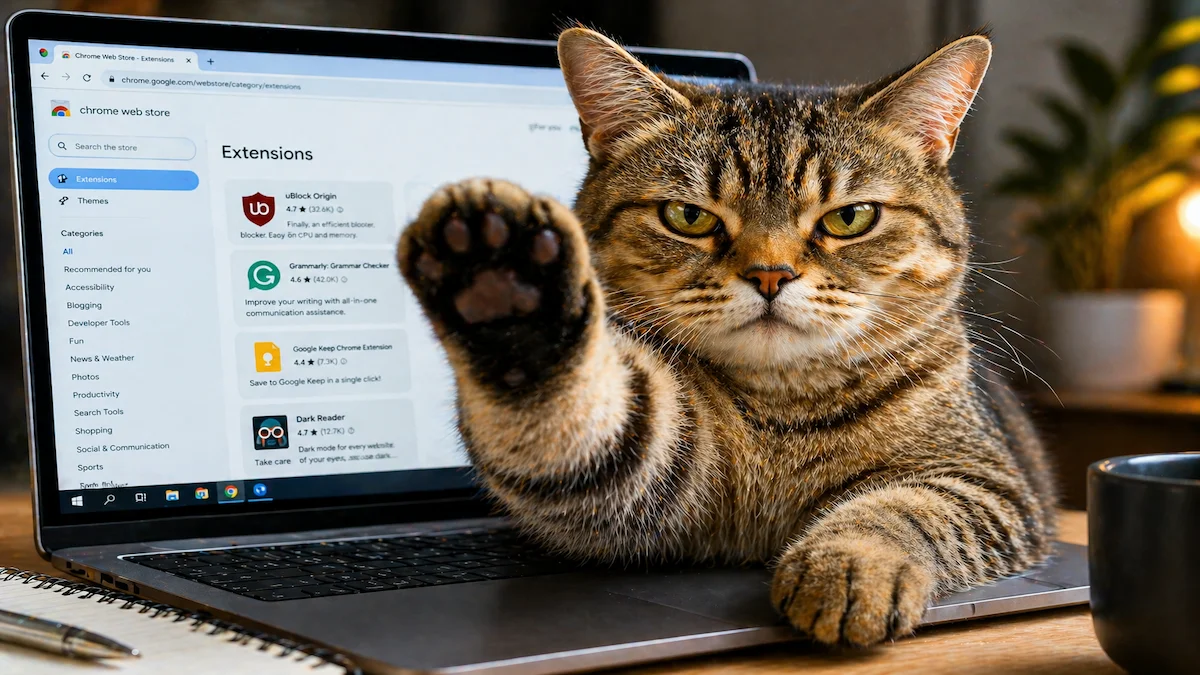
In a world where endless scrolling eats up hours of our day, a creative solution from Japan is catching global attention. A Japanese developer has built a unique Chrome extension called a “Cat Gatekeeper”—an AI-powered tool that literally interrupts your screen time when you spend too long on social media.
But this isn’t just a fun gimmick. It’s a clever productivity hack designed to fight digital addiction in a simple, human-friendly way.
What Is the Cat Gatekeeper Chrome Extension?
The Cat Gatekeeper is a browser extension designed to monitor how much time you spend on distracting websites like social media. When your usage crosses a certain limit, the extension steps in—often by blocking the screen or showing a playful but firm interruption (like a cat warning or overlay).
The goal is simple:
“Break your scrolling habit before it wastes hours of your day”
Why This Idea Is Going Viral
Unlike strict productivity apps that feel restrictive, this extension uses humor and creativity. The “cat” element makes the experience:
- Less annoying
- More engaging
- Emotionally effective
People are more likely to stop scrolling when a playful interruption appears instead of a boring warning.
How the Cat Gatekeeper Works
The extension works in the background once installed in Google Chrome.
Step-by-Step Functionality:
- Tracks time spent on selected websites
- Detects excessive usage (based on your limit)
- Activates the “gatekeeper” mode
- Blocks or overlays the screen
- Forces you to pause or exit
Some versions may even require user interaction (like clicking or solving something) to continue browsing.
Key Features of the Cat Gatekeeper Extension
1. Screen Blocking System
Temporarily blocks access to distracting websites.
2. Time Tracking
Monitors how long you spend on platforms like Instagram, YouTube, or X.
3. Custom Limits
You can set your own time limits (e.g., 30 minutes/day).
4. Fun Interruption Design
Instead of harsh blocking, it uses a cat-themed interface to gently stop you.
5. Focus Improvement
Encourages better digital discipline without feeling forced.
How to Install and Use the Chrome Extension
If you want to try something similar, here’s how you can set it up:
Step 1: Open Chrome Web Store
Search for the extension or similar productivity tools.
Step 2: Click “Add to Chrome”
Install the extension in your browser.
Step 3: Pin the Extension
Click the puzzle icon and pin it for easy access.
Step 4: Set Time Limits
Choose which websites to track and set daily limits.
Step 5: Start Browsing
The extension will automatically monitor your activity.
Step 6: Get Interrupted
Once you exceed your limit, the “cat gatekeeper” will block or interrupt your screen.
Why Tools Like This Are Important in 2026
Social media platforms are designed to keep users engaged for as long as possible. This leads to:
- Reduced productivity
- Increased screen addiction
- Mental fatigue
- Loss of focus
Tools like Cat Gatekeeper act as digital self-control systems, helping users regain control over their time.
Who Should Use This Extension?
This tool is especially useful for:
- Students preparing for exams
- Freelancers working from home
- Content creators needing focus
- Office workers distracted by social media
- Anyone trying to reduce screen time
Pros and Cons
Pros
- Fun and engaging design
- Easy to use
- Improves focus
- Customizable limits
- Works automatically
Cons
- Can be bypassed if disabled
- Not a complete solution for addiction
- May interrupt important browsing sessions
Is It Better Than Traditional Productivity Apps?
Traditional tools block websites aggressively, which can feel frustrating. The Cat Gatekeeper uses a softer psychological approach.
Instead of forcing discipline, it nudges behavior
This makes it more effective for many users.
The Cat Gatekeeper Chrome extension shows how simple, creative ideas can solve modern problems. By combining humor with functionality, it offers a fresh way to tackle social media addiction.
In 2026, where attention is the most valuable currency, tools like this may become essential for staying productive.
Also Read: OnePlus–Realme Merger Buzz: Are the Two Smartphone Giants Really Joining Forces?
Frequently Asked Questions (FAQs)
-
What is the Cat Gatekeeper Chrome extension?
It is a browser tool that limits social media usage by interrupting your screen when you spend too much time online.
-
Who created the Cat Gatekeeper?
It was developed by a Japanese developer as a creative solution to reduce screen addiction.
-
Does it block websites completely?
It can either block or temporarily interrupt access depending on settings.
-
Is it free to use?
Some versions may be free, while advanced features could be paid.
-
Can it improve productivity?
Yes, it helps reduce distractions and encourages better focus habits.
For more latest updates on Trending News, Entertainment, Automobile, Education, Technology, Jobs, weather and sports visit IndicDaily.